
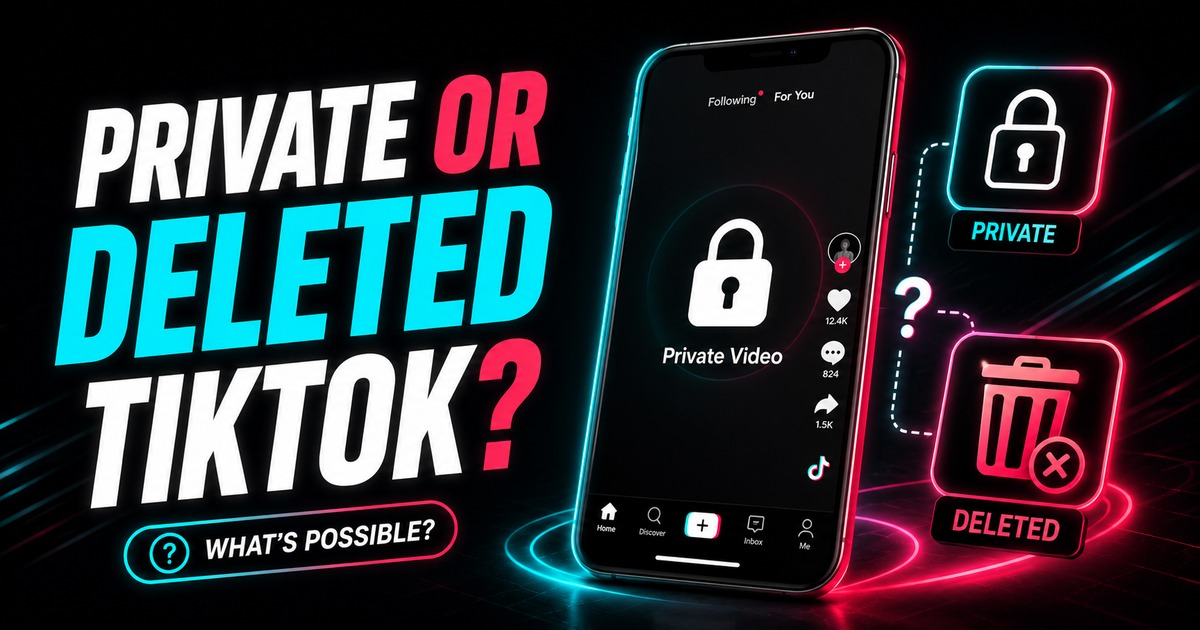
A public-link downloader works by resolving media that is reachable from a public TikTok post URL. That creates an important boundary: private, deleted, expired, or otherwise inaccessible content is not the same as a normal public post.
Claims that a website can universally recover any private or deleted TikTok should be treated with skepticism.
Private TikTok videos
A private account intentionally limits who can view its posts.
If you can see a private video because you are an approved follower, that does not turn the post into public content.
A responsible public-link downloader should not ask you to hand over:
- your TikTok password;
- session cookies;
- login tokens;
- one-time codes.
If the video is yours, use your own account and original files. If it belongs to somebody else, respect the creator's privacy settings.
Deleted TikTok videos
Once a post is deleted and no longer publicly served, a URL-based downloader may have nothing to resolve.
A remembered URL does not contain the original video data by itself.
TikTok's Help Center says that a user's own deleted posts may remain in a Recently deleted area for a limited recovery period. That is an account-level recovery feature, not a third-party public downloader.
Expired TikTok Stories
Stories are temporary and are normally available for 24 hours.
Once a Story expires, the public source may disappear. If you are authorized to save it, use the TikTok Story downloader while the Story is still live.
Do not rely on a downloader as a permanent Story archive.
“Creator disabled downloads” is a different situation
TikTok lets creators turn off its native download feature.
That does not necessarily mean the public post URL ceases to exist. Native Save video availability and public-link availability are different technical states.
SnapVid works with media it can resolve from accessible public links. It should not promise to defeat privacy boundaries or reconstruct content TikTok no longer serves.
What to do if it is your own content
For your own TikTok posts, use this recovery order:
- check original camera/editor exports;
- check device and cloud backups;
- check TikTok account-level recovery features;
- if the post is still public, save a distribution copy;
- improve your external backup workflow going forward.
A social platform should not be the only place your master files exist.
What about drafts?
TikTok drafts are not public posts.
TikTok's Help Center notes that drafts can be removed in situations such as uninstalling/reinstalling the app or moving between devices, and they are not simply transferable between accounts.
A public URL downloader cannot process a draft that was never published because there is no public post URL to resolve.
Read how to back up your own TikTok videos and drafts.
Red flags in “private TikTok downloader” sites
Be cautious if a service asks you to:
- sign in with TikTok credentials;
- export cookies;
- install an unknown browser extension;
- download an unsigned program or APK;
- disable account security;
- provide a login verification code.
Those requests create an account-security risk far larger than a normal public-video download.
FAQ
Can SnapVid download a private TikTok?
SnapVid's normal downloader is intended for public media links. It should not be used to bypass private-account access controls.
Can SnapVid recover a video after the creator deletes it?
Do not rely on that. If TikTok no longer exposes the public media, a URL-based downloader cannot reconstruct the original file from the URL alone.
What if the deleted video is mine?
Check TikTok's own Recently deleted feature if available, plus original device and cloud copies.
Are TikTok drafts stored safely forever?
No. TikTok warns drafts can disappear in app/device transition scenarios. Treat drafts as working copies, not backups.
Bottom line
Use public-link downloaders for public, available posts. For private content, deleted posts, expired Stories, and drafts, use the creator's own account, original files, and platform recovery features instead of risky “bypass” tools.
Source notes
TikTok on post download controls: https://support.tiktok.com/en/account-and-privacy/account-privacy-settings/video-downloads
TikTok on drafts and recently deleted posts: https://support.tiktok.com/en/using-tiktok/creating-videos/editing-posting-and-deleting