
TikTok MP3 Downloader
Paste a TikTok link. Download the audio as an MP3 file.
How to Extract Audio from a TikTok Video
Copy the TikTok link
Open TikTok, find the video with the audio you want. Tap Share, then Copy Link.
Paste the link here
Come back to SnapVid and paste the URL into the input field above. Works on mobile and desktop — no app needed.
Download the audio
After processing, you'll see download options. Look for the audio/MP3 option alongside the video options. Tap it and save the file to your device.
What You Can Do
Same tool, audio-only mode. Paste any TikTok link and download just the sound — no need to save the full video first. The audio is pulled directly from the original post, not re-recorded or converted.
Extract Audio from Any Public TikTok
Get the sound from any TikTok video — trending audio, original sounds, music clips. As long as the video is public, the audio is downloadable.
Standard Audio File
The audio saves as a standard file you can play in any music app, set as a ringtone, or use in your own video edits.
No App or Extension
Runs in your browser on any device. iPhone, Android, laptop — just paste and download.
Also Downloads Video
If you change your mind and want the full video too, the same link gives you both options — video with or without watermark, plus audio.
Download videos ->FAQ
What format does the audio download in?
It downloads as a standard audio file compatible with most music players, phones, and editing software.
Can I use the audio as a ringtone?
Yes. Once the file is on your phone, you can set it as a ringtone through your device's sound settings. On iPhone, you may need to use GarageBand or a similar app to convert it to a ringtone format first.
Is the audio the same quality as in the TikTok video?
Yes, it's extracted from the original video file. We don't re-encode or compress it further. Quality depends on what the creator uploaded.
Can I download audio from a private account?
No. SnapVid can only access content from public profiles. If the account is private or the audio won't load.
Why did my download fail?
Common reasons: the video was deleted, the creator turned off downloads, or the account is private. If the link works in your browser but not here, try again — it may be a temporary issue on TikTok's end.
Does SnapVid store the audio files I download?
No. We don't keep copies of any files. Once the download reaches your device, nothing is retained on our servers.
Latest Articles
Can You Download Private or Deleted TikTok Videos?
Understand what a public-link downloader can and cannot do with private, deleted, expired, or restricted TikTok content, including options for your own posts.
Common TikTok Downloader Errors and How to Diagnose Them
A systematic troubleshooting guide for invalid links, unavailable posts, no media found, expired downloads, browser blocks, network errors, and zero-byte files.
Does TikTok Notify Someone When You Download Their Video?
Understand the difference between viewing, sharing, native saving, and downloading a public TikTok link—and why account activity is separate from a local file.
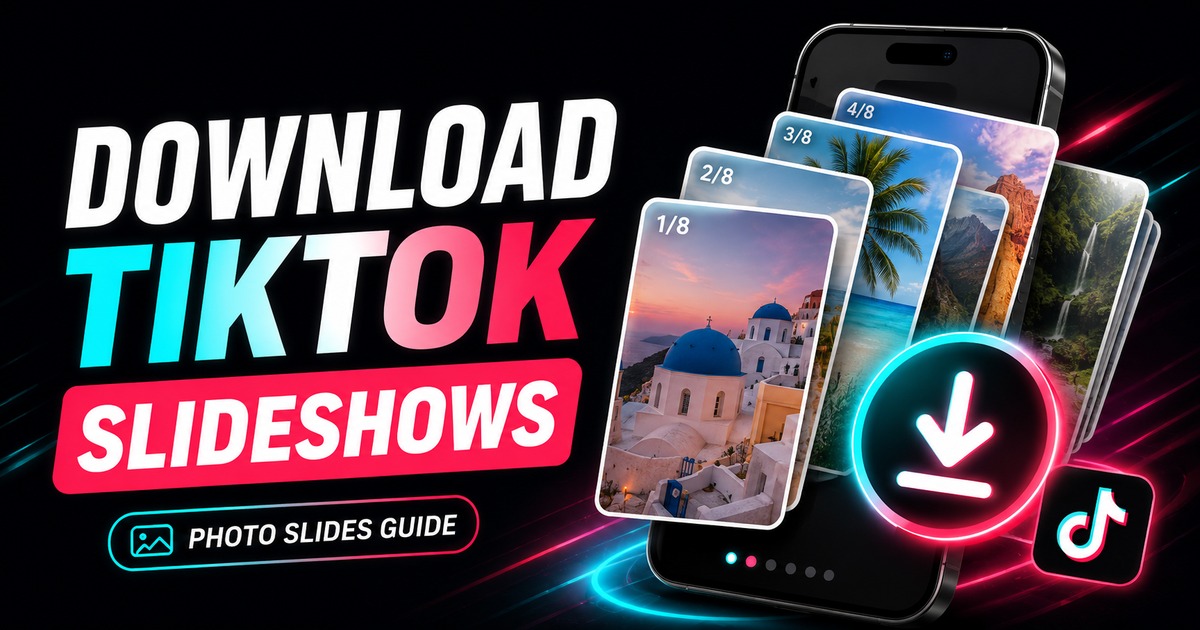
How to Download TikTok Slideshows and Photo Carousels
Learn how TikTok photo-mode posts differ from videos, how to save carousel images, what happens to music, and how to preserve image quality.
How to Download TikTok Videos on Windows, Mac, and Linux
Save public TikTok videos on desktop with a browser, choose a sensible quality, find the downloaded file, and troubleshoot desktop-specific problems.
How to Extract Audio from a TikTok Video
Learn how TikTok audio extraction works, when MP3 is useful, what affects audio quality, and how to avoid unnecessary re-encoding.