
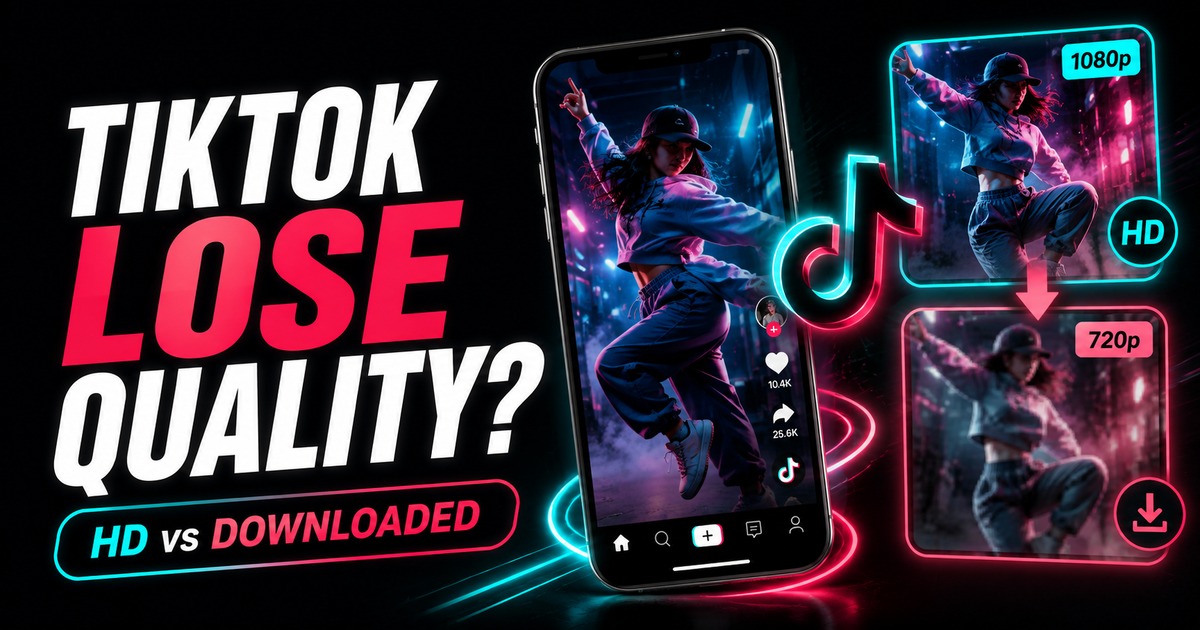
A downloaded TikTok can have the same nominal resolution you expected and still look softer, blockier, or noisier. That is because resolution is only one part of image quality.
The media chain can include camera capture, editing export, TikTok upload processing, platform delivery, downloading, another editor, and a final export. Quality can be lost at several stages.
1. The source was already compressed
If the creator exported a heavily compressed file before uploading, TikTok receives an already-reduced source.
The same applies to reposts. A clip that has already been downloaded, edited, and uploaded again may carry compression artifacts before you ever save it.
A downloader cannot restore detail that was already removed earlier.
2. TikTok serves distribution versions
Social platforms optimize media for fast playback across many devices and network conditions. The file distributed for playback may not be identical to the creator's camera original or editing master.
A downloader can preserve the quality of an available distribution copy, but it cannot promise access to a creator's original project file.
3. Resolution does not equal bitrate
Two 1080p videos can look completely different.
One may allocate enough data to preserve motion and texture. Another may be heavily compressed. Fast movement, confetti, water, grass, low-light noise, and dense textures are harder to compress cleanly than a simple talking-head scene.
Read TikTok video resolution explained for the difference between frame dimensions and real encoding quality.
4. Your display may be scaling the video
A vertical TikTok viewed full-screen in the app can be rendered with device-specific scaling and processing.
The same file opened in a large desktop window may be enlarged differently, making artifacts easier to see.
Compare at a similar display size before concluding that the downloaded file itself lost resolution.
5. You re-encoded the file after downloading
This is one of the most common avoidable causes.
Video editors, messaging apps, cloud services, and social platforms can compress a file again. If the untouched download looks good but a later exported copy looks poor, the downloader is not the stage causing the loss.
Keep the first downloaded file untouched as your reference.
6. You selected a smaller media variant
If multiple options are available, confirm which one you chose.
A smaller file can be useful for quick viewing or slow connections, but it may not be the best source for editing.
For public posts, use the SnapVid TikTok downloader and select the highest genuine source option that matches your purpose.
How to compare quality properly
Use the same player and roughly the same display size. Compare:
- facial detail;
- fine text;
- edges during motion;
- gradients in skies or walls;
- shadow noise;
- audio synchronization;
- actual pixel dimensions.
Avoid comparing a paused desktop browser preview with full-screen in-app playback when different scaling and sharpening may be involved.
Can you improve a low-quality download?
You can make a file easier to view with careful denoising, sharpening, or upscaling, but those processes do not restore the exact information that was lost.
AI upscaling can invent plausible detail. That may be useful creatively, but it is not the same as recovering the creator's original pixels.
A better workflow for creators
If the TikTok is your own content, keep the pre-upload master somewhere outside TikTok.
That file is a better source for future edits and cross-posting. A downloaded TikTok copy is useful as a distribution reference or fallback, not as your only archive.
See how to back up your own TikTok videos and drafts.
FAQ
Why is a 1080p TikTok still blurry?
Because 1080p only describes frame dimensions. Low bitrate, source blur, noise, and repeated compression can still produce a soft image.
Does a watermark-free copy have better quality?
Not automatically. Watermark status and encoding quality are separate. A clean media variant avoids editing a visible overlay, but it can still be platform-compressed.
Will converting the video to a larger resolution improve it?
It increases pixel dimensions, not original detail. Upscaling may smooth or invent detail but cannot recreate the exact source.
Why does my editor make the video look worse?
Preview settings, proxies, color handling, codec support, and export compression can all affect appearance. Compare the untouched download with the editor's final export.
Bottom line
When a TikTok download looks worse, trace the media chain before blaming the final save step. Preserve the first downloaded file, choose an appropriate genuine source option, avoid repeated re-encoding, and remember that resolution alone is not a quality score.