
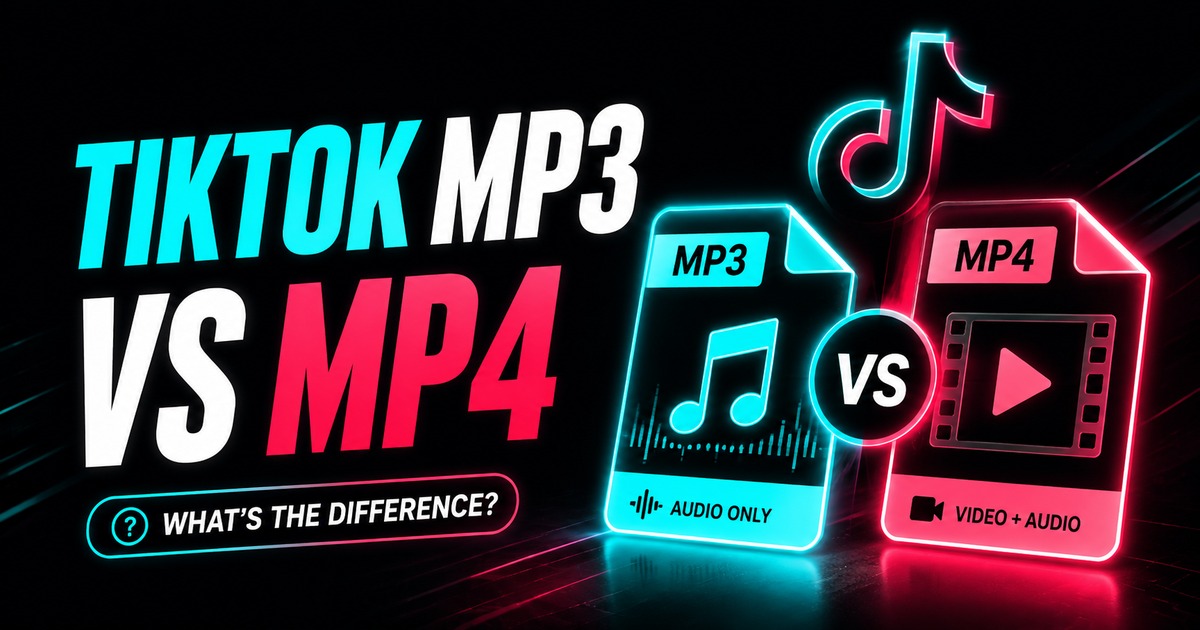
MP3 and MP4 solve different problems. Choosing between them is less about which format is “better” and more about whether you need audio only or video plus audio.
A TikTok video can be delivered as a video file, while an audio-only workflow may produce MP3 for broad compatibility.
Quick decision
Choose video/MP4-style output when you need:
- the visual content;
- text or captions burned into the frames;
- editing that uses the picture;
- the timing relationship between picture and sound.
Choose MP3/audio when you need:
- a voice clip;
- a sound reference;
- audio for transcription;
- a smaller file;
- compatibility with audio-focused software.
For public posts, use the TikTok downloader for video or the TikTok MP3 downloader when you already know you only need sound.
MP3 is an audio format
MP3 contains compressed audio. It does not preserve video frames, on-screen text, transitions, or visual context.
MP3 is lossy, meaning encoding can discard audio information to reduce file size. That is often a reasonable tradeoff for compatibility, but repeated MP3-to-MP3 conversion should be avoided.
MP4 is a container
An .mp4 file is a media container. It can hold video, audio, timing information, and other tracks.
The video and audio inside can use different codecs. That is why two MP4 files with the same resolution can behave differently in an editor or differ significantly in size.
Read TikTok video formats and codecs when you need to troubleshoot compatibility.
Which uses more storage?
A video normally needs much more storage because it contains many image frames in addition to audio. An MP3 is usually far smaller for the same duration.
If you only need speech for transcription, downloading the whole video wastes bandwidth and storage. If visual context matters, MP3 is not a substitute.
Which is better for editing?
For video editing, keep the video file. Separate the audio inside your editor only if the project requires it.
For audio editing, an audio-only file is easier to manage. If a higher-quality source audio stream is available and your editor supports it, that may be a better intermediate than repeatedly encoding MP3.
Which is better for transcription?
Audio-only files are convenient for speech-to-text systems because there is no reason to upload the video track when the visuals do not matter.
Before sending somebody else's voice recording to another service, consider privacy and permission requirements.
Can MP3 be “higher quality” than the audio in the video?
No conversion can create information that is absent from the source.
Exporting an MP3 at a high nominal bitrate does not turn a low-quality source into high-fidelity audio. It can only avoid additional loss beyond a certain point.
The same principle applies to video resolution: a larger output label does not restore missing detail.
FAQ
Is MP4 always video?
MP4 is a container capable of holding media tracks. In everyday downloader use, an MP4 option usually means a video file containing video and, when present, audio.
Does MP3 remove the video watermark?
There are no video frames in an audio-only MP3, so a visual watermark is not relevant to that output.
Can I turn the MP3 back into the original TikTok video?
No. Once you only have audio, the original video frames are not present in that file.
Which format should I archive?
If the visual post matters, archive the video. If the audio matters independently, you may keep both. For your own content, your pre-upload original is still the best master.
Bottom line
Use video for visual context and MP3 for audio-only tasks. Do not convert simply because one format sounds more “high quality.” Choose based on the media you actually need and minimize unnecessary re-encoding.