
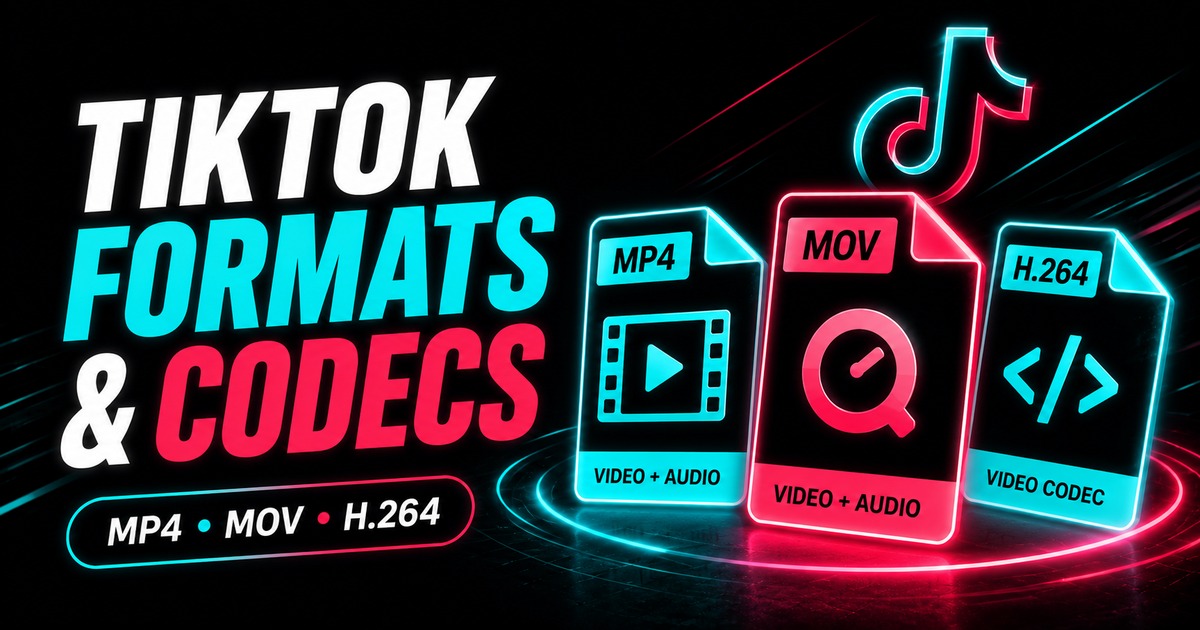
A file ending in .mp4 can play perfectly on one device and fail in another editor.
That surprises people because MP4 is a container, not a complete description of how the video and audio inside are encoded.
To troubleshoot TikTok media, separate three concepts: container, codec, and application support.
What is a container?
A container is the file structure that packages media tracks and timing information.
MP4 is one of the most common containers for web and mobile video.
An MP4 can hold:
- a video stream;
- an audio stream;
- timing information;
- metadata;
- sometimes additional tracks.
The .mp4 extension alone does not tell you how the video itself was compressed.
What is a codec?
A codec defines how video or audio is encoded and decoded.
Common video codec families include H.264/AVC and H.265/HEVC, among others.
A device or application needs compatible software or hardware decoding support for the codec actually used inside the container.
That is why “my computer supports MP4” is not always enough information.
Why H.264 is widely compatible
H.264 has broad support across browsers, phones, hardware decoders, and editing applications.
It is often a safe choice when maximum compatibility matters.
Newer codecs can be more efficient, but older devices or software may require an update or transcode.
Why a downloaded TikTok can fail in an editor
Possible reasons include:
- the editor does not support the codec/profile;
- hardware acceleration has a driver issue;
- variable frame rate creates timeline problems;
- the audio codec is unsupported;
- the file is incomplete;
- the import module is outdated.
First play the untouched file in a modern media player.
If it plays normally there, the problem is more likely editor compatibility than the download itself.
Should you transcode immediately?
No.
Keep the downloaded source untouched.
Only transcode if a specific application requires a different codec or a more edit-friendly intermediate.
Every unnecessary lossy transcode can reduce quality. A working copy can be useful; replacing the only source copy is not.
What about MP3?
MP3 is an audio format, not a video container.
If you only need audio from a public TikTok, use the TikTok MP3 downloader rather than repeatedly converting a video file.
Read TikTok MP3 vs MP4 for the practical difference.
Resolution, bitrate, and codec work together
A 1080p label tells you dimensions.
The codec and bitrate help determine how efficiently those pixels are represented over time.
A modern codec at an appropriate bitrate can create a smaller file with excellent quality, while a poorly configured encode can waste space or show artifacts.
See TikTok video resolution explained.
How to inspect a file
Desktop media players and metadata tools can show:
- container;
- video codec;
- audio codec;
- width and height;
- frame rate;
- bitrate;
- duration.
You do not need to inspect every casual download, but these fields are useful when a file behaves unexpectedly.
Renaming an extension does not convert the file
Changing:
video.mp4
to:
video.mov
does not change the codecs inside.
The application may react differently to the extension, but the media data has not been transcoded.
If compatibility requires a different format, use a proper media conversion workflow and preserve the original.
FAQ
Is every TikTok download an MP4?
Do not assume one universal output. Photo carousels produce images, audio-only workflows can produce MP3, and video can use an MP4-style container depending on the available source.
Is H.265 always better than H.264?
H.265 can be more efficient, but compatibility and encoding settings matter. “Better” depends on the target device and workflow.
Why does an MP4 play on my phone but not in an editor?
The editor may lack support for the specific video/audio codec, profile, or timing behavior inside the container.
Can I fix compatibility by changing the filename extension?
No. Renaming does not transcode the media.
Bottom line
When a TikTok file will not play or edit correctly, do not stop at the extension. MP4 tells you the container; the codecs inside determine much of the compatibility. Keep the source file, inspect it when necessary, and transcode only for a clear reason.